Contacting technical support
- Communication with technical support via the ticket system
- Evaluation of technical support quality

Cloud server rental
Cloud 152-FZ rental
Database in the cloud
Rental of a physical server with a virtual machine
Email Server in the Cloud
GPU servers rental
In-memory database migration to the cloud
Solution for organizations handling payment card data
VPS/VDS rental
Anti-virus software Dr.Web, Kaspersky
Spam free email
Tell us about vulnerabilities in our website
Solution to protect IT infrastructure
Stakhanovets, Staffcop
Server shutdown via phone call or app
Secure communication channels (VIPNet, S-Terra, NGate)
Secure file sharing with external users
SORM services for telecom operators and providers.
UserGate firewall
Data security in the cloud
Virtual perimeter protection
Information system vulnerability analysis
L7 web application protection
Rental of cloud servers in compliance with the law on the protection of personal data
Crypto gateway rental service
Secure communication channels (VIPNet, S-Terra, NGate)
Rental of physical servers in compliance with the law on the protection of personal data
Object storage for personal data
Rental of cloud servers in compliance with the Federal Law-187
Security audit services for personal data processing systems
Secure storage of government information systems (GIS) data
Secure file exchange with external partners
Back up your data to the Cloud4U cloud
File and object storage solutions
Redundant server
Disaster recovery solution for the infrastructure
Disaster resilient cloud
Secure file sharing with external users
Cloud-based file storage and share solution
Secure storage for archive data
Cold and hot data storage
A solution for large volumes of data
To run an Apache Hadoop and Spark cluster
GPU cluster for image and video rendering
GPU servers rental
GPU server rental for machine learning
Disaster recovery solutions for system failures
1C in the cloud
Dedicated cloud capacity for 1C
B24, the company's internal information management system
Cloud telephony
Flexible hosting control panel
Subscription to Microsoft Office 365 products
Licensed version of the product despite sanctions
Cloud-based file storage and share solution
Licence solutions despite sanctions
Russian video conferencing service
Comprehensive cloud security
Server space rental
Physical server rental
Solution for organizations handling payment card data
Cloud infrastructure in an isolated environment
Rental of a rack or part of a rack in a data centre
Remote workspace rental
Virtual desktop
Spam free email
Bulk email service for business
Cloud-based business email
Enterprise cloud networking solution
Network of interconnected servers that speeds up page loading
Comprehensive solution for IT infrastructure protection
Improving application availability
To run an Apache Hadoop and Spark cluster
For tasks related to ML and AI
Service for Kubernetes clusters in the cloud
Implementation and support of projects of any complexity
vCloud Availability
24/7 technical support team
Templates available for virtual machine deployment
Moving e-mail server to the cloud
Exchange, SharePoint, Microsoft Office 365 etс.
Moving from a foreign cloud
Fast and secure migration between clouds
Assistance in infrastructure certification
Creation of protection system and assessing the security of ISPD
10 racks, 120 kW IT load
Rent a rack or part of a rack in a data center
Rent a server space
Home · Virtual Cloud Infrastructure and Data Storage
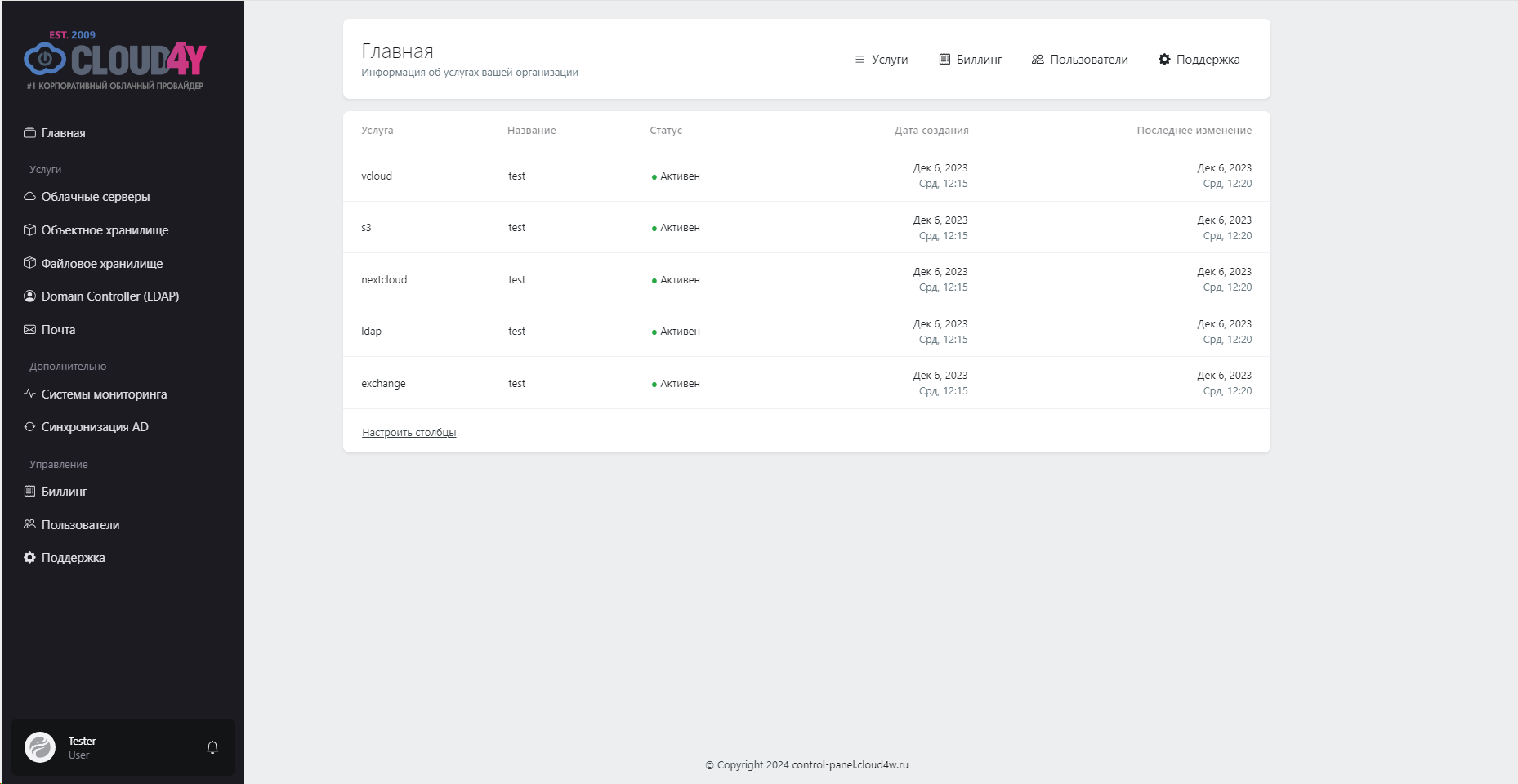
This page provides comprehensive information and convenient tools for managing your organization's cloud services, with a simple and intuitive interface that ensures effective interaction with the platform.
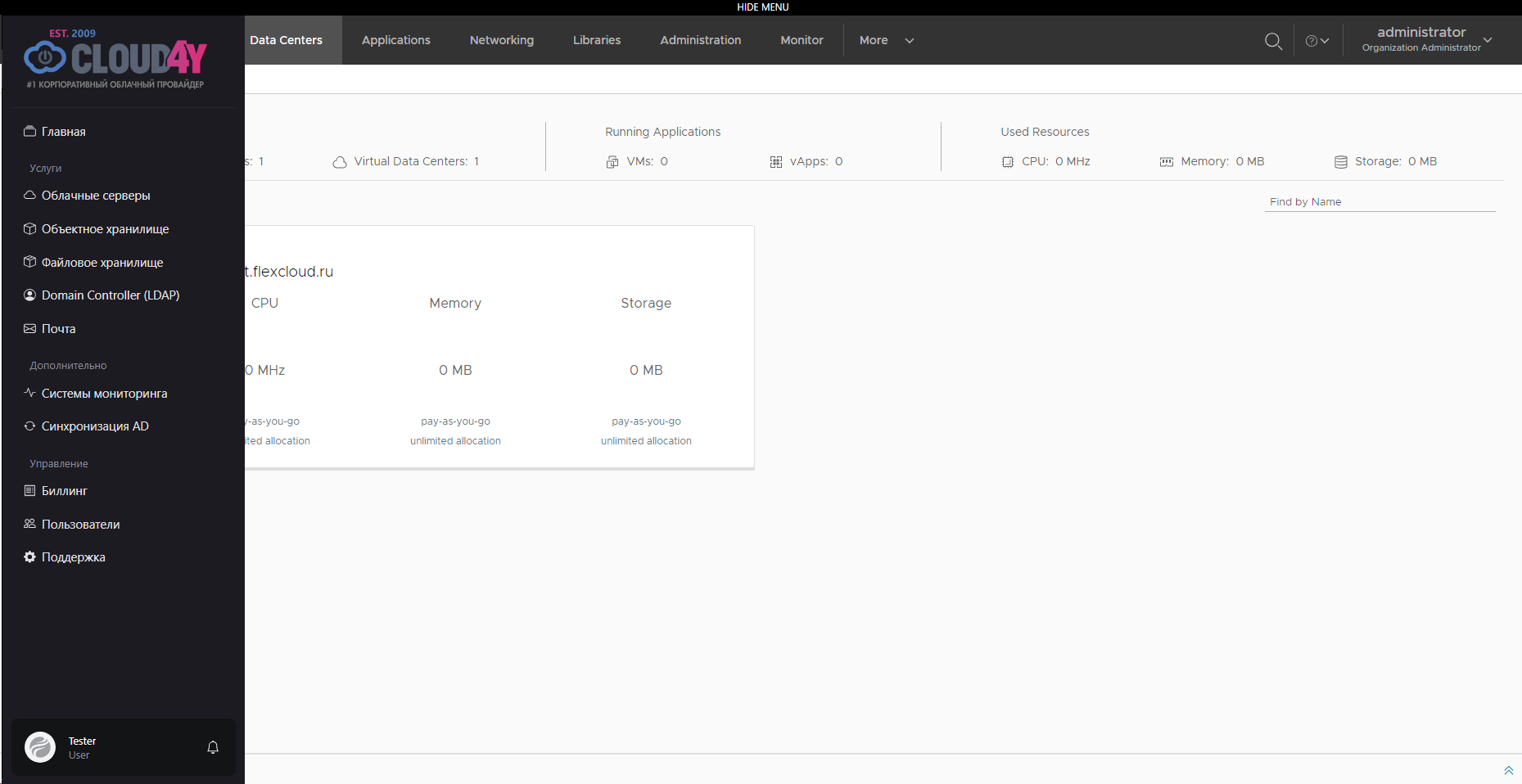
The "Cloud Servers" service page integrates with the vCloud Director service, providing virtual datacenter management. The vCloud Director interface loads onto the main screen, preserving the functionality of the original Cloud4U platform.
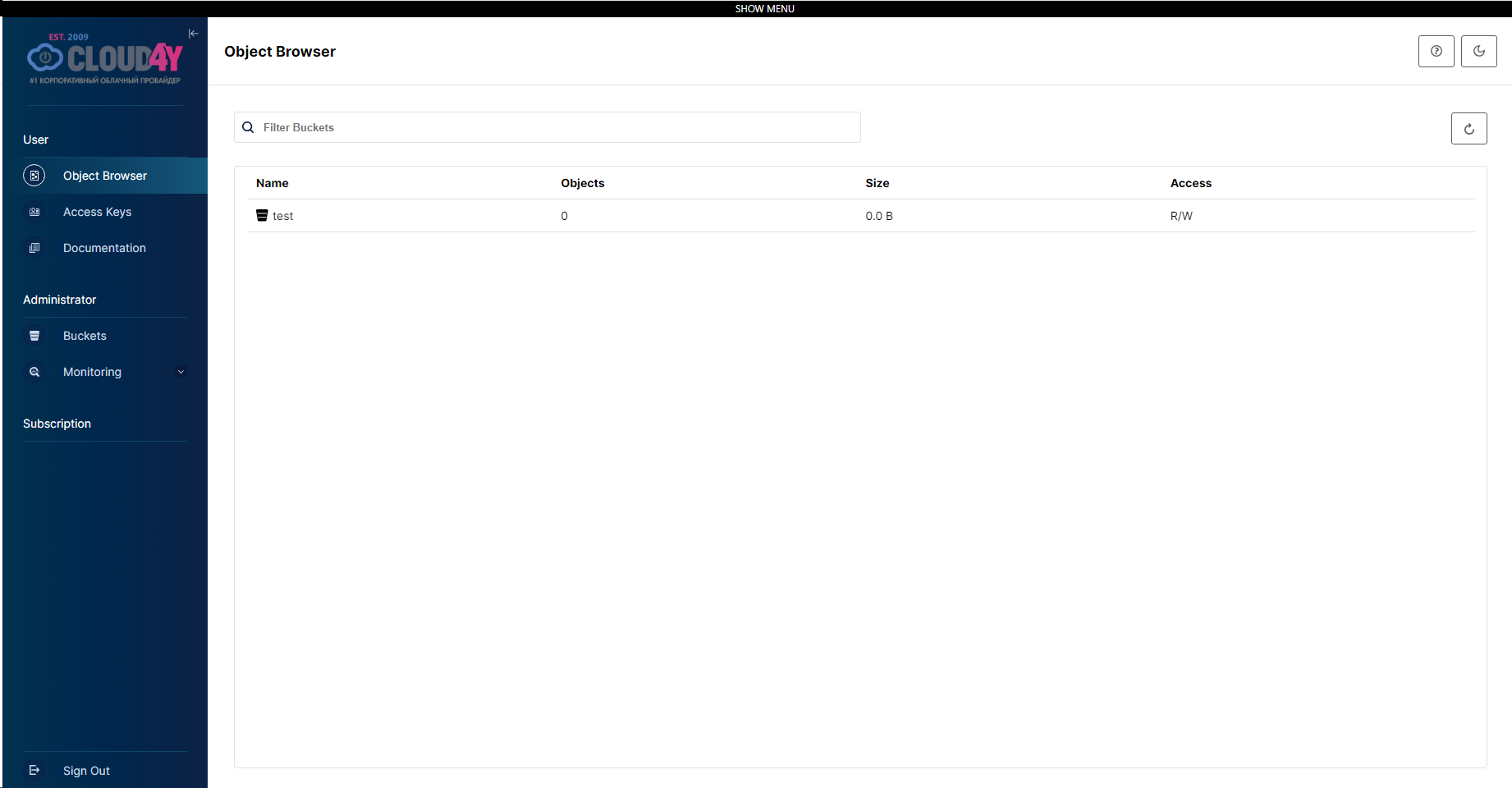
The "Object Storage" page loads the MinIO service interface, providing capabilities for managing object data. This interface is seamlessly integrated into the Cloud4U platform, allowing users to work with object storage directly in the main workspace.
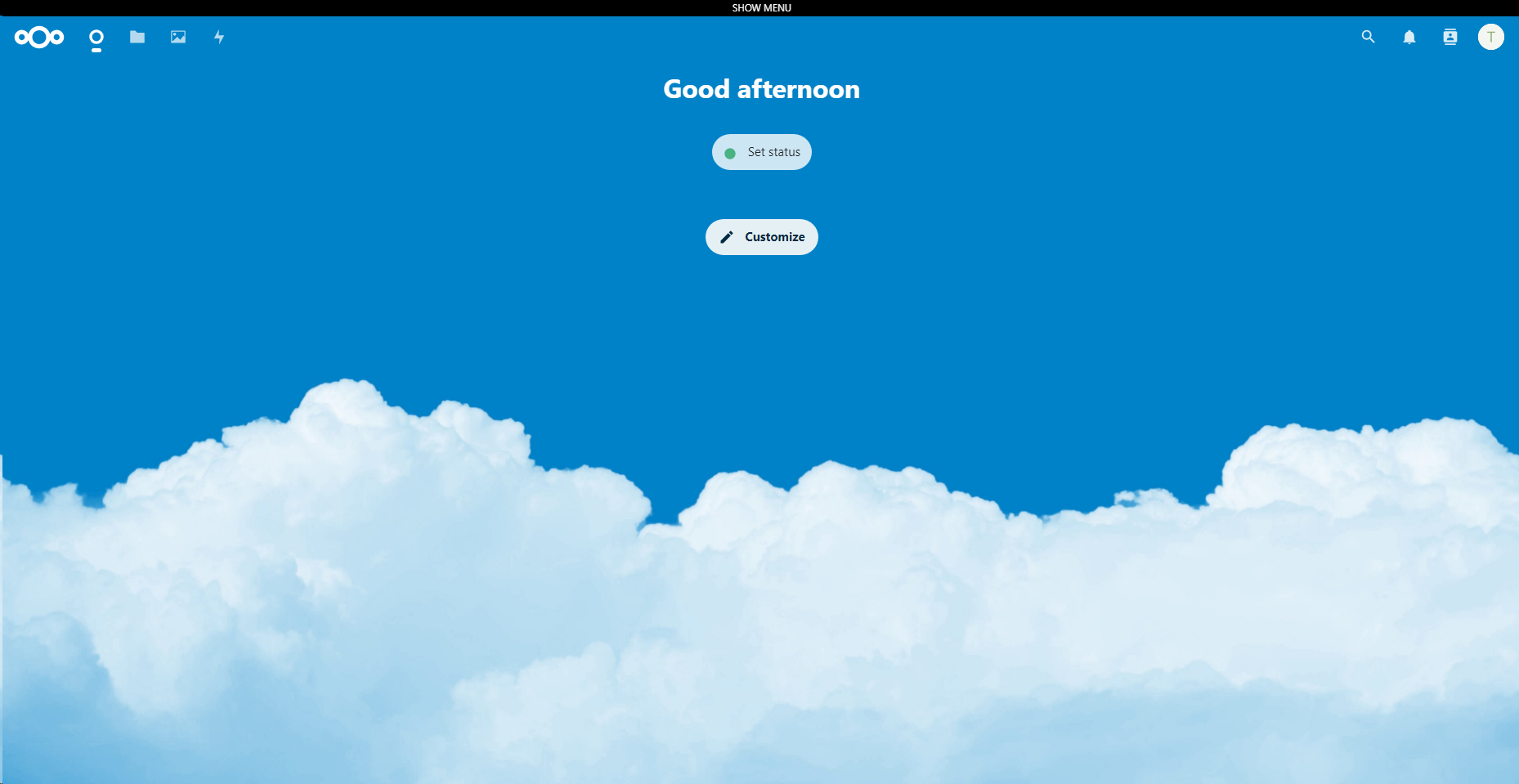
The "File Storage" page loads the Nextcloud service interface, which provides functionality for managing files and folders. This interface is integrated into the Cloud4U ecosystem, allowing users to easily interact with file data directly in the main workspace.
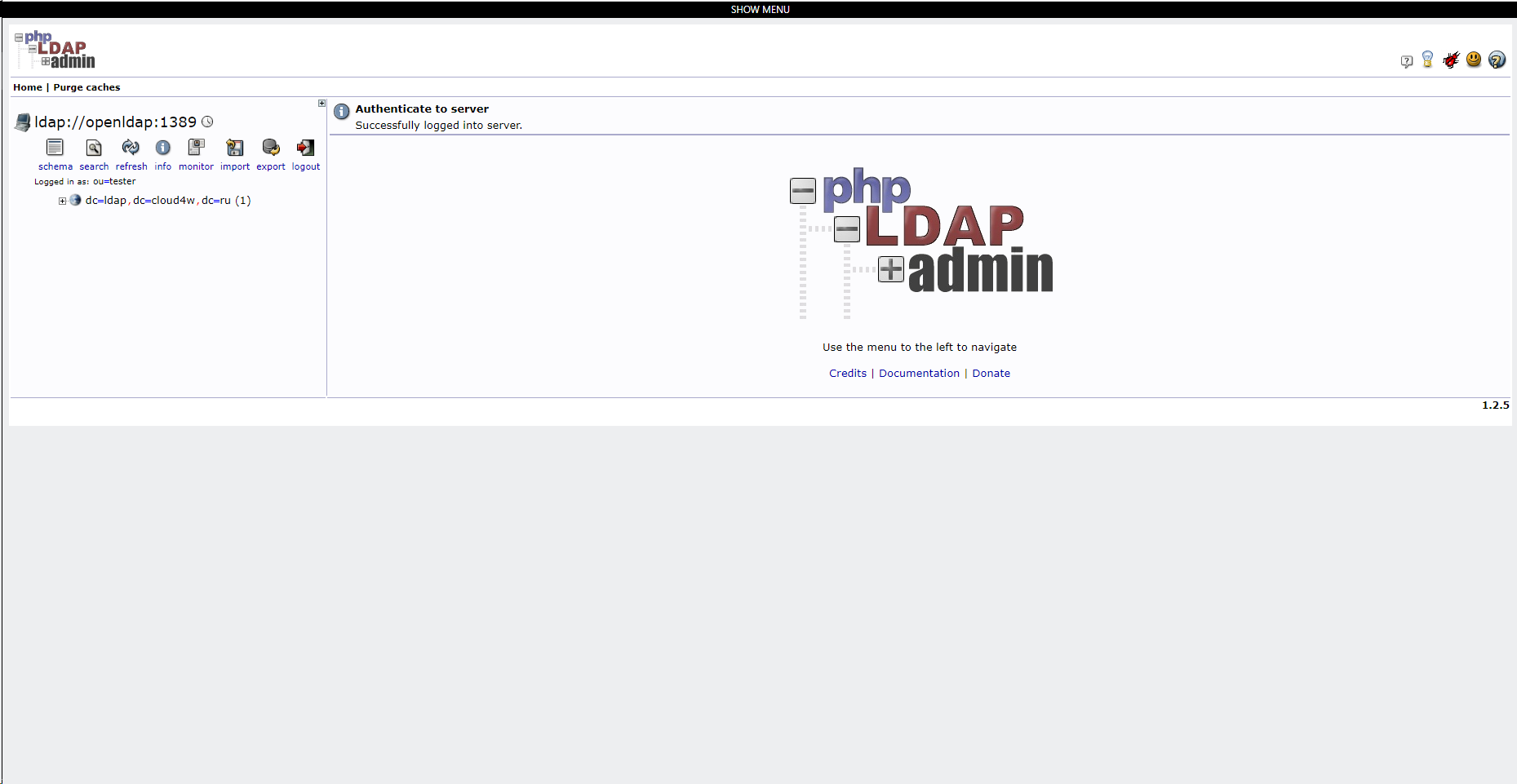
The "Domain Controller (LDAP)" page loads the PhpLdapAdmin interface, which provides LDAP server administration. This interface is neatly embedded in the Cloud4U platform, allowing administrators to manage user directories and other LDAP data directly from the main workspace.
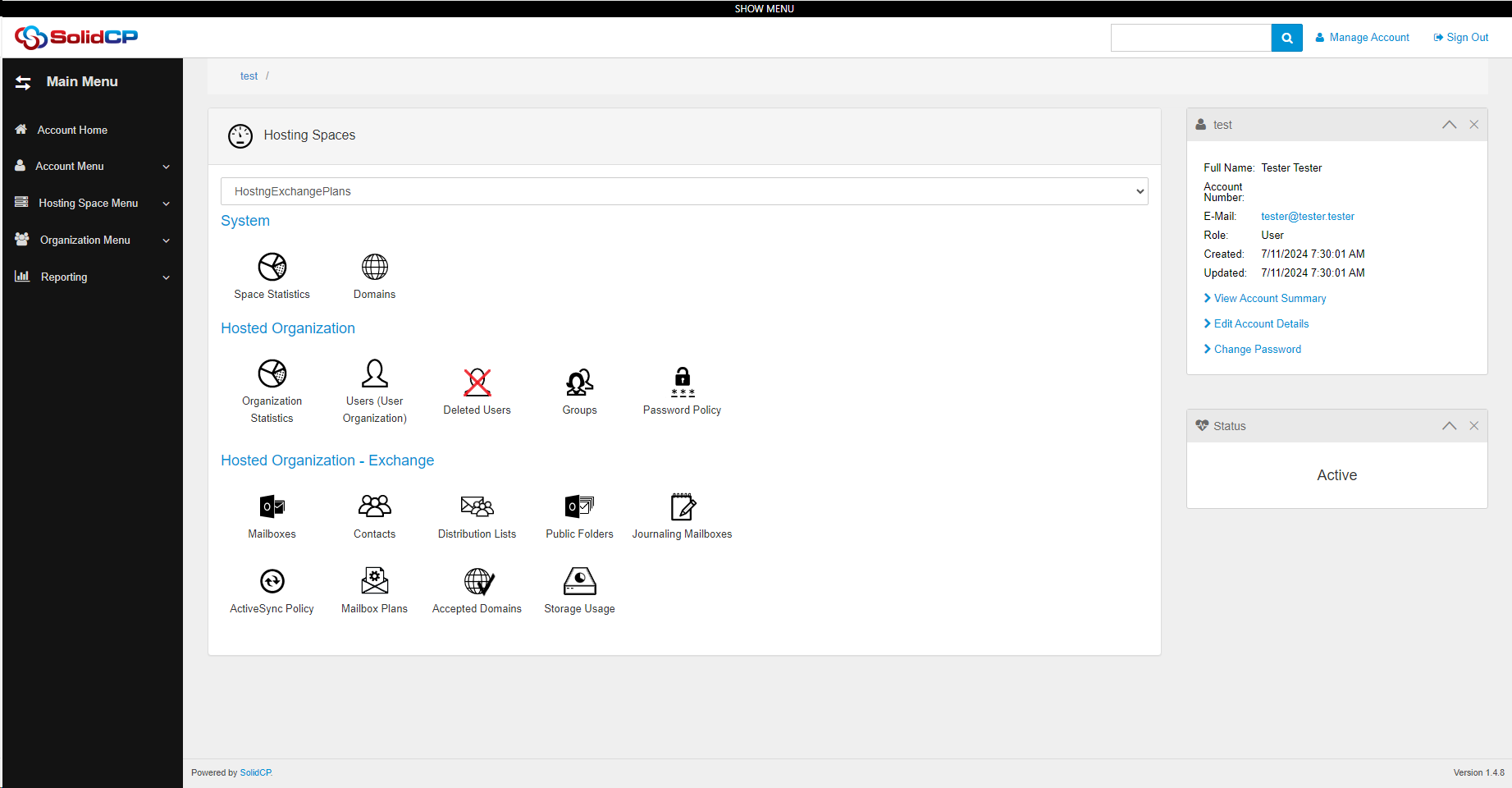
The "Email" page integrates the SolidCP interface, which is used for managing mail servers and mailboxes. This interface is seamlessly embedded in the Cloud4U platform, providing users with the ability to administer email services directly in the main workspace.
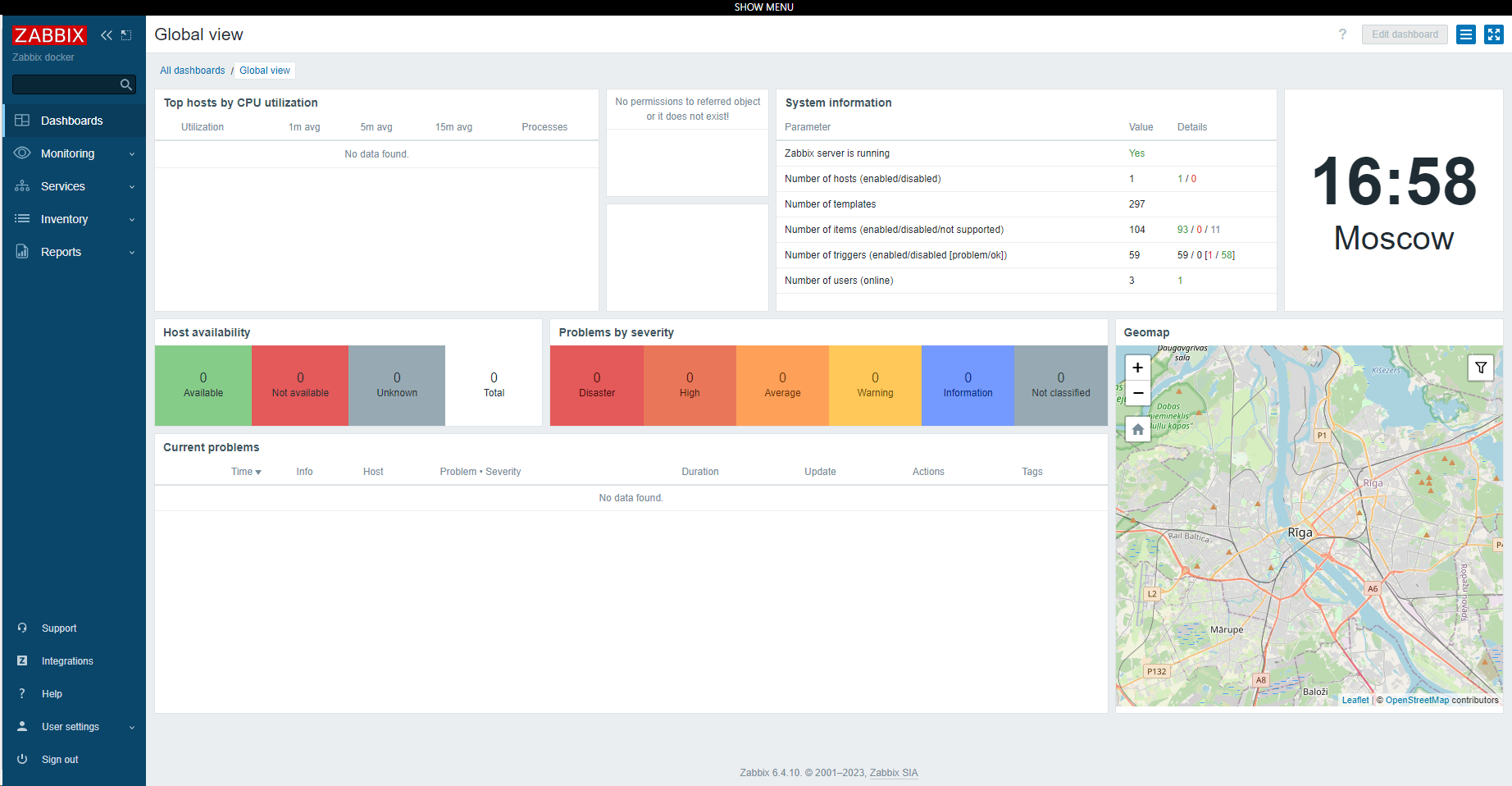
The "Monitoring System" page integrates the Zabbix interface, designed for monitoring and managing infrastructure. This interface is seamlessly embedded in the Cloud4U platform, providing users with the ability to track the status of systems and applications directly from the main workspace.
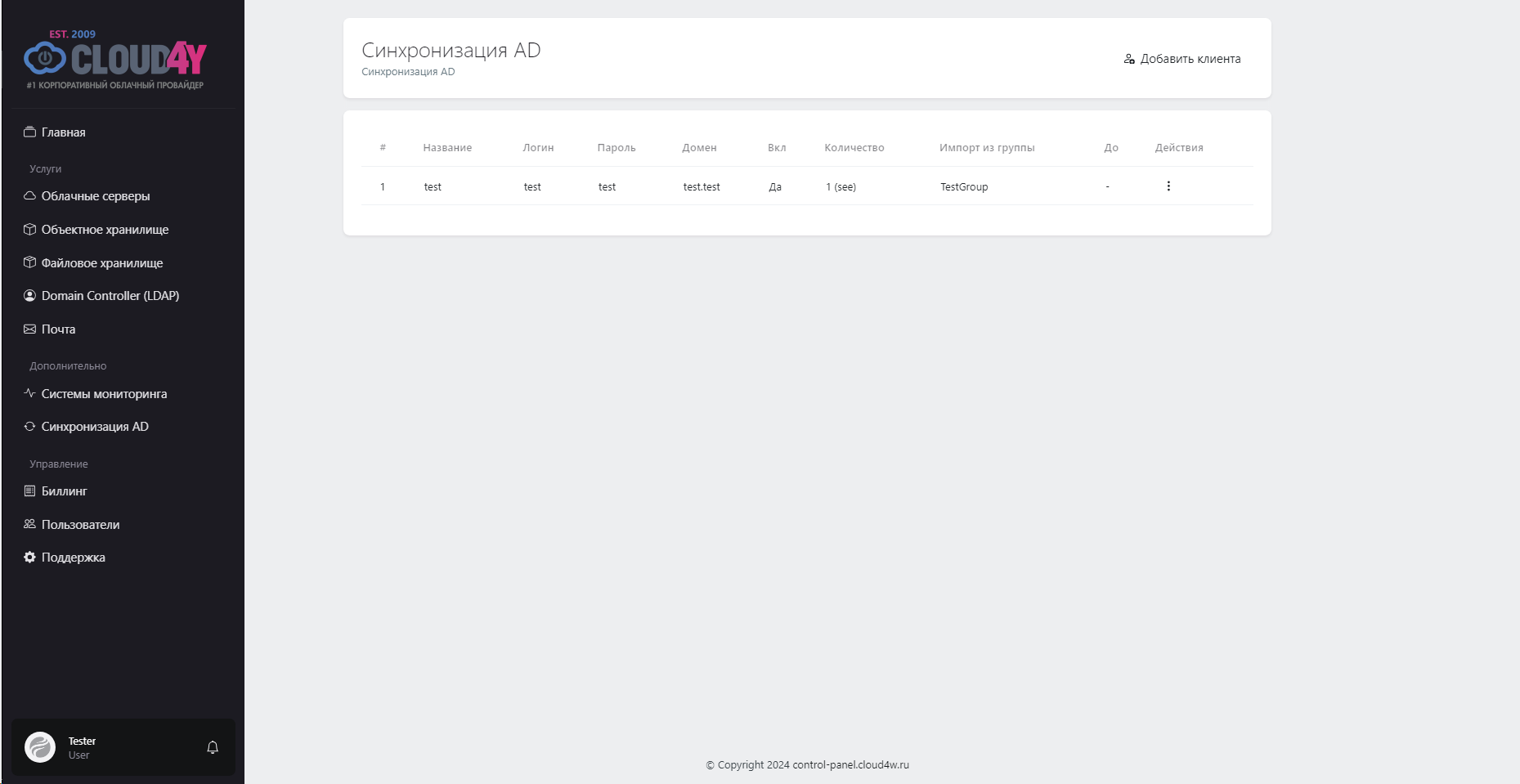
The Active Directory (AD) synchronization page provides a convenient interface for managing integration with your AD system. In the center of the page is a table that displays the current status of your synchronization with Active Directory.
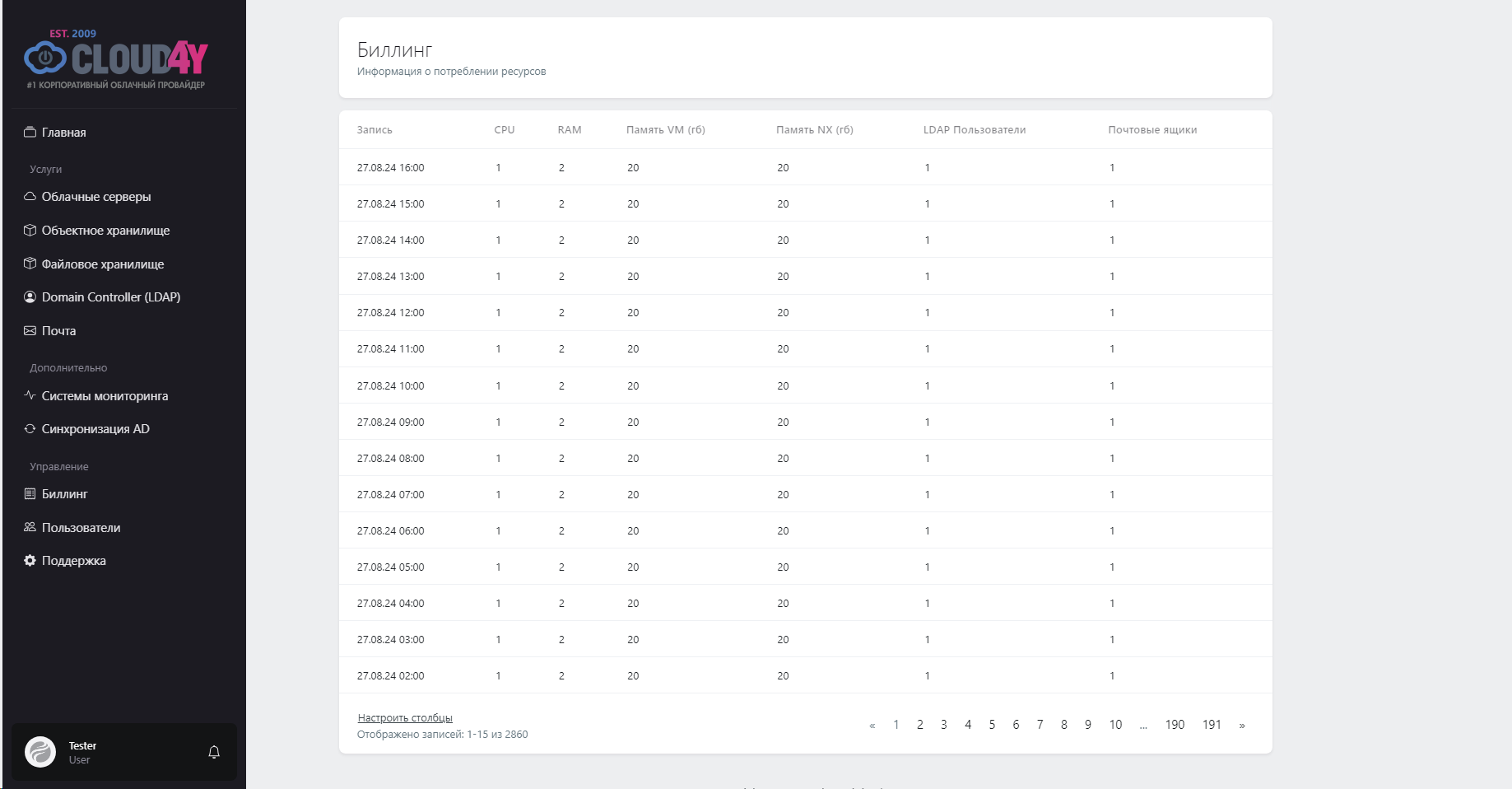
This page displays information about service consumption, which you can use to monitor and analyze your expenses. All information is organized in an easy-to-read table.
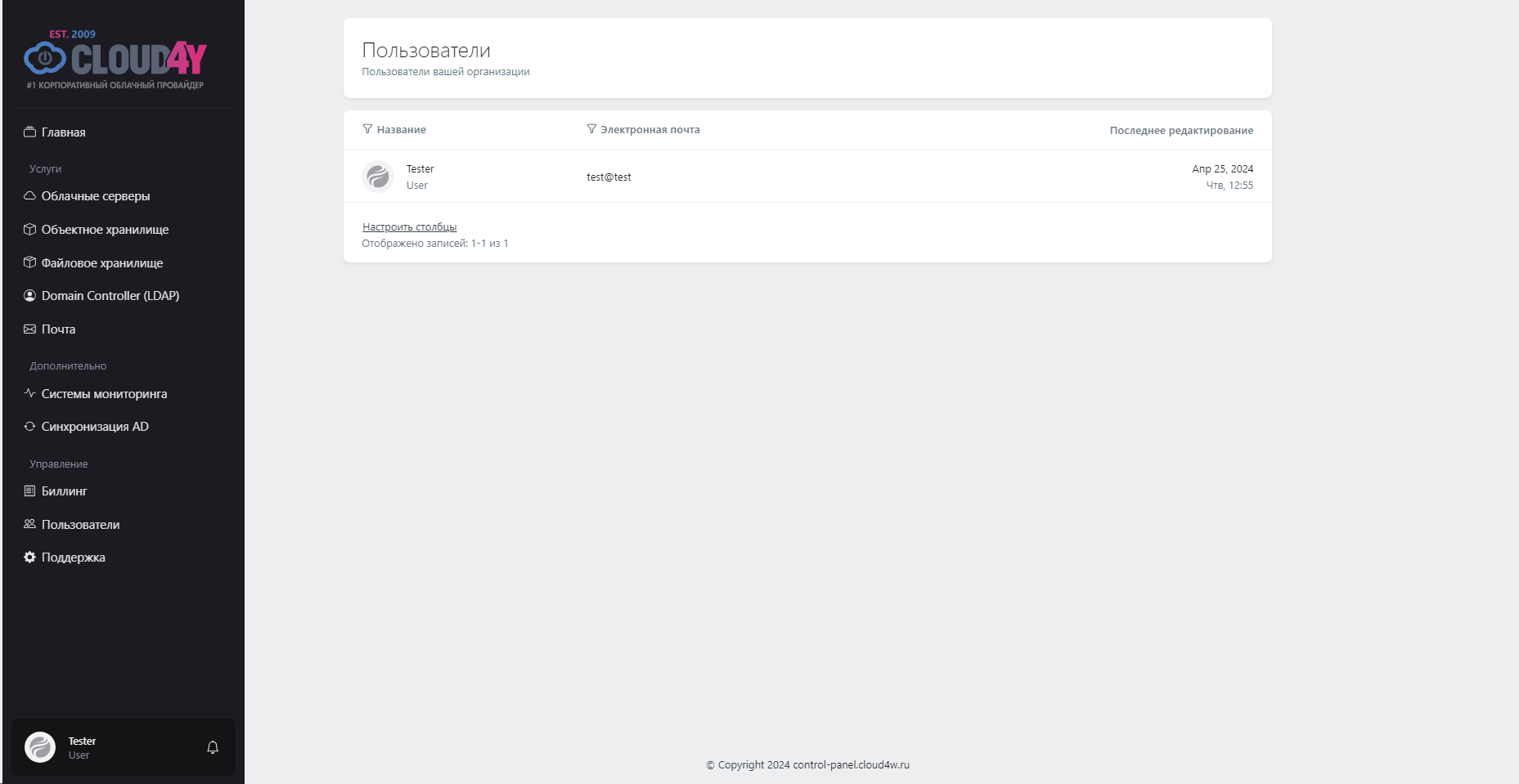
This page allows you to conveniently manage your organization's users. The table includes key information: name, email, role, and status of each user. Filtering and sorting functions help quickly find the information you need and keep accounts organized.
The support page provides all the necessary tools for effectively managing requests. Here you can easily create a new ticket to report an issue or ask a question. You can also view all existing tickets to track their status and updates.